
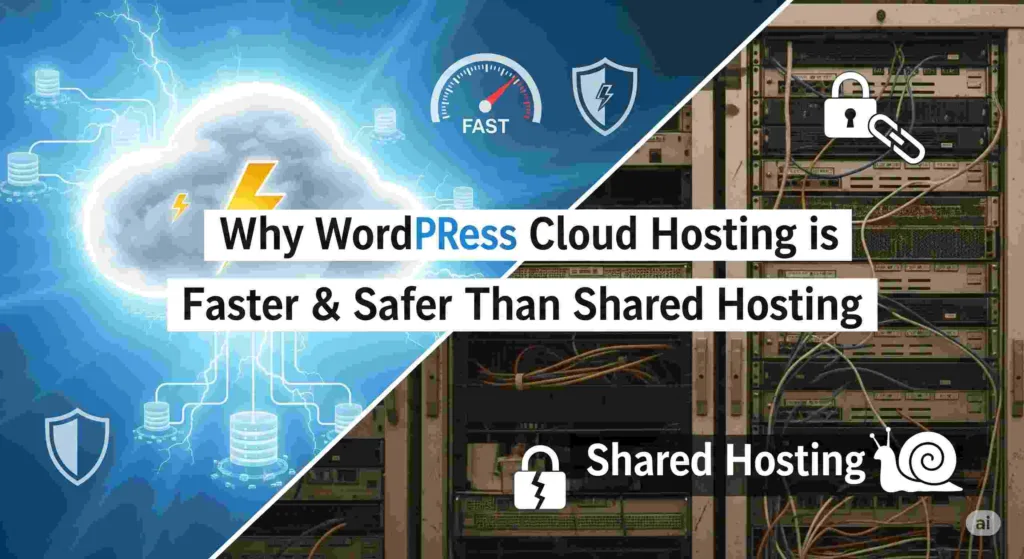
If you’ve ever wondered why some WordPress sites load lightning-fast while others drag their feet, the answer often comes down to hosting. The type of hosting you choose doesn’t just affect speed—it also impacts security, reliability, and your overall peace of mind. In this guide, we’ll break down why WordPress cloud hosting beats traditional shared hosting in both speed and safety, using simple terms you can actually understand.
Shared Hosting vs Cloud Hosting: What’s the Difference?
Shared hosting is like living in an overcrowded apartment building. Dozens (sometimes hundreds) of websites share the same server resources—CPU, RAM, and bandwidth. If one neighbor throws a huge party (a sudden traffic spike), everyone else suffers. It’s cheap, but performance and security are limited.
WordPress cloud hosting is more like having your own condo in a secure, modern high-rise. Your site runs on cloud servers (AWS, Google Cloud, etc.) where resources can be scaled up or down as needed. You don’t compete with noisy neighbors, and the environment is optimized specifically for WordPress.
Why WordPress Cloud Hosting is Faster
- Dedicated Resources: Your site doesn’t fight for CPU or memory with hundreds of strangers. Performance stays consistent.
- More PHP Workers: These handle user requests. With cloud hosting, you can have more PHP workers, so your site stays fast even with heavy traffic.
- Built-in Caching: Server-side caching and object caching (like Redis) make pages load faster without overloading the database.
- Global CDN & Modern Protocols: Cloud hosts integrate Content Delivery Networks (CDNs), plus HTTP/2 and HTTP/3, to deliver content quickly worldwide.
- Proven Benchmarks: Independent tests (like Review Signal) consistently show managed WordPress cloud hosts outperform shared hosting under load.
Why WordPress Cloud Hosting is Safer
- Better Isolation: Cloud hosting uses containers or virtual machines, keeping your site isolated. Shared hosting puts many accounts on one server, raising risks.
- Firewalls & WAF: Cloud hosting adds enterprise-level Web Application Firewalls (WAFs) and DDoS protection, blocking hackers before they reach your site.
- Automatic Updates: WordPress core, PHP, and security patches are updated proactively—reducing exposure to known vulnerabilities.
- Malware Protection: Many providers include malware scanning, backups, and one-click restores if something goes wrong.
- DDoS Mitigation: Attacks are absorbed at the network edge, so your site doesn’t buckle under pressure.
How Much Does It Cost? Shared vs Managed WordPress Cloud (2025 Rates)
| Hosting Type | Starting Price (per mo) | What’s Included |
|---|---|---|
| Shared Hosting | $5–$15 | Basic PHP/MySQL, shared CPU/RAM, DIY security & caching |
| Kinsta (Managed Cloud WP) | $30–$35 | 1 site, container isolation, CDN, WAF, daily backups, auto-scaling |
| WP Engine (Managed Cloud WP) | $20–$30 | 1 site, CDN, auto updates, WAF, backups, staging tools |
At first glance, shared hosting is cheaper per month—but many users find that factor arrives with slower performance during traffic spikes and more manual upkeep.
Kinsta starts around $30–$35/month and includes infrastructure tuned for WordPress, automatic scaling, CDN, WAF, backups, and performance tools. WP Engine starts near $20/month and provides similar benefits, though often with different feature tiers.
When Shared Hosting Might Still Work
Shared hosting can be fine if you’re just starting out with a simple blog or portfolio and expect very low traffic. It’s budget-friendly, but you trade off speed, security, and scalability. If your site grows or you run an online store, you’ll quickly hit its limits.
Who Should Upgrade to WordPress Cloud Hosting?
- Bloggers or businesses expecting traffic surges (sales, campaigns, news coverage)
- Online stores—WooCommerce performance, speed, and checkout reliability matter
- Any site where security, backups, uptime, and performance affect revenue or reputation
- If time is money—cloud hosts let you focus on site growth, not server tinkering
Choosing the Right WordPress Cloud Host
Not all cloud hosts are created equal. Here’s what to look for:
- Integrated CDN and caching
- Automatic WordPress and PHP updates
- 24/7 support with WordPress expertise
- Malware scanning and free backups
- Scalable resources for traffic spikes
Think of it this way: Shared hosting is like taking the bus—cheap but crowded, with limited control over how fast you get there. WordPress cloud hosting is like driving your own car—more control, faster trips, and fewer risks along the way. If your website is your business, why risk being stuck in traffic?
Conclusion
At the end of the day, WordPress cloud hosting offers a faster, safer, and more scalable solution than shared hosting. For businesses, bloggers, and online stores who want a reliable web presence, moving to the cloud isn’t just an upgrade—it’s peace of mind.
Pro tip: If your site is still on shared hosting, start with a managed WordPress cloud host that offers free migration. That way, you can move without headaches and experience the difference right away.